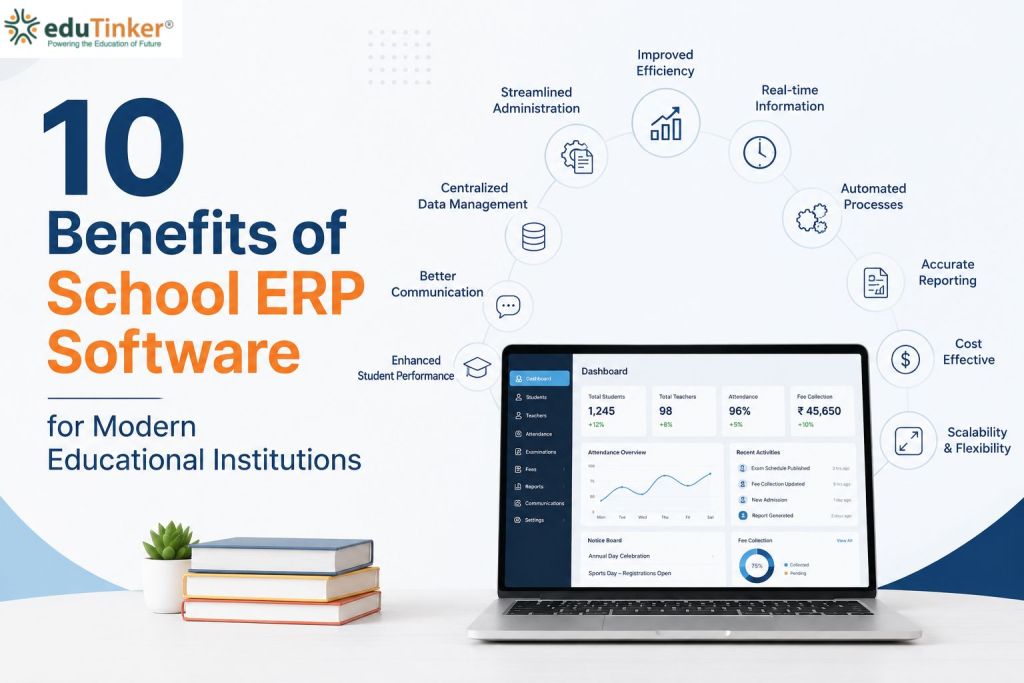


A school may have excellent teachers, dedicated staff, and a clear academic plan, yet daily administration can still become a challenge. A missing fee receipt, an outdated student record, or a delayed examination report can create extra work for several people.
Many schools continue to use registers, spreadsheets, printed forms, and separate applications to handle their daily responsibilities. Although these methods may seem straightforward, keeping everything updated becomes harder as the institution grows.
A School ERP system offers another way to manage these responsibilities. With eduTinker, schools can explore an integrated digital approach to administrative work, academic activities, communication, and reporting.
So, what changes when a school moves from traditional methods to School ERP software? Let’s look at the differences from the perspective of those who manage schools every day.
Consider the beginning of a new academic session. The admission team is processing applications, teachers are preparing class lists, the accounts department is checking fee payments, and the principal needs an updated view of student enrolment.
When each department maintains its own records, staff may have to exchange files and verify details before they can complete their work. A small correction to a student’s information might also need to be repeated in several places.
The same issue can arise during examinations. Teachers prepare marks, administrative staff organise the results, and school leaders request summaries to review student performance. If information is scattered across different documents, producing a reliable overview takes additional effort. The question for school management is whether maintaining these separate processes remains practical in the long run.
eduTinker provides School ERP and school management solutions that bring important institutional activities into a connected digital environment.
eduTinker helps schools manage essential operations, including student records, attendance tracking, fee collection, examinations, academic activities, parent engagement, digital learning, and performance reporting—all through a connected digital platform.
This approach helps schools move away from managing every activity as an isolated task. Instead, staff can use relevant digital tools to organise information and support their responsibilities.
For a principal, the goal may be to understand school operations more clearly. For a teacher, it may be to spend less time updating records. For a parent, it may simply mean receiving an important school update without having to make several phone calls.
Different people have different priorities, but each benefits when school information is managed more systematically.
Everyday responsibility | Traditional working method | With a digital School ERP approach |
Maintaining student details | Files and individual spreadsheets | Structured digital student records |
Recording daily attendance | Classroom registers | Digital attendance tools |
Checking fee payments | Receipts and manually updated ledgers | Organised digital fee information |
Preparing examination records | Separate marksheets and calculations | Digital academic records and reporting support |
Sharing school announcements | Printed circulars and phone calls | Supported digital communication |
Providing learning material | Photocopies and individually shared files | Digital learning resources |
Reviewing school performance | Reports compiled from multiple sources | School analytics and digital reporting features |
This comparison describes common differences between manual administration and an integrated ERP approach. Actual outcomes depend on how a school configures its software and adopts the available features.
Admission season can put considerable pressure on a school’s administrative team. Staff must collect applications, check documents, update applicant details, and maintain accurate information as students move through the admission process.
When records are maintained in separate files, locating an application or checking whether information has been updated can take unnecessary time.
Digital admission and student management tools can help schools organise this information in a more consistent format. As part of its school management offering, eduTinker supports institutions in managing relevant student information and administrative activities.
A more organised process can help staff spend less time searching through paperwork and more time assisting parents and completing admission-related responsibilities.
School accounts teams have to manage more than the collection of payments. They also need to maintain accurate records, review pending amounts, check transactions, and respond to parents who have questions about their accounts.
When information is recorded manually, even a straightforward enquiry may require checking several entries before giving an answer.
School fee management software enables schools to track payments, maintain accurate fee records, and monitor outstanding dues more efficiently. eduTinker simplifies fee administration by helping schools organise payment details and manage their fee-related activities in a structured digital environment.
This can make routine follow-ups and record verification easier to coordinate. It also helps administrators work with organised information when preparing financial summaries.
Digital records still need regular review and accurate updates, but they can reduce dependence on scattered paperwork.
Attendance is often treated as a daily classroom task, but the information can also help schools understand student participation over time.
With paper registers, staff may need to count entries manually or transfer figures into another document before preparing a summary. This creates additional work, particularly when records must be reviewed across several classes.
A digital attendance management system helps schools maintain attendance information in an organised format.
eduTinker provides attendance management features that support this process. When the school maintains its records consistently, relevant staff can use the information more conveniently for reporting and follow-up.
The benefit is not simply replacing a register with a screen. It is making attendance information easier to maintain and use when needed.
Teaching involves planning lessons, answering student questions, assessing work, and helping children understand difficult concepts. Administrative responsibilities are necessary, but they should not consume more time than required.
If teachers repeatedly prepare similar records or manage classroom activities through disconnected tools, their workload can become harder to balance.
eduTinker combines school management capabilities with learning-related features that support activities such as assignments, assessments, and access to educational resources.
This can help schools organise classroom-related work alongside their wider administrative processes. Teachers remain responsible for instruction and evaluation, while digital tools help them manage the supporting tasks.
The aim is to make everyday academic work more organised rather than add another disconnected system to the teacher’s routine.
Parents often contact the school because they need clarification about an announcement, payment, attendance record, or academic activity.
When information is shared only through printed notices or individual calls, keeping everyone informed can require substantial coordination from school staff.
Digital parent communication provides a more convenient way to share relevant updates. eduTinker offers communication features that schools can use to distribute announcements and other supported information.
Parents benefit when essential updates are easier to access, while staff can use more structured communication processes instead of repeatedly responding to the same routine enquiries.
The precise information available to parents depends on the school’s configuration and the permissions assigned to different users.
A principal may need to answer questions such as: Are attendance records being maintained consistently? How are academic results changing? Which administrative processes require attention?
Finding answers becomes difficult when each department prepares reports independently and the information does not follow a consistent format.
School analytics helps management teams review available information through organised reports and summaries.
eduTinker’s analytics capabilities support the review of school-related information, helping leaders examine operational and academic indicators. These insights can contribute to planning, internal reviews, and decisions about where additional attention may be needed.
Useful reporting begins with reliable records. Schools should therefore establish clear procedures for updating information and checking its accuracy.
Replacing familiar working methods requires planning. Even a capable software platform may deliver limited benefits if it does not match the school’s needs or staff are not comfortable using it.
Before selecting School ERP software in India, school management should consider a few practical questions:
- Does the system cover the school’s most important administrative and academic activities?
- Can teachers, office staff, and parents use the relevant features without unnecessary complexity?
- What training and implementation assistance will be provided?
- How are access permissions, backups, and student information protected?
- Will the platform accommodate the school’s future requirements?
- What are the costs of implementation, subscriptions, and additional modules?
Schools should also understand which tasks will change after implementation. A clear transition plan helps staff adjust their routines and reduces confusion during the early stages of adoption.
Is eduTinker a Suitable Choice for Your School?
The right School Management Software should solve genuine operational problems. A school struggling with scattered student records may prioritise information management, while another may need better coordination between fee administration, academics, and parent communication.
eduTinker offers an integrated platform covering several of these areas, including attendance, fee management, academic activities, learning resources, communication, and analytics.
School owners and principals can explore eduTinker’s official website to review the platform and enquire about its available features. A demonstration can help the school team assess whether the solution fits its existing processes and future plans.
Rather than choosing software solely because it offers many features, schools should focus on how those features will improve their actual working environment.